For office and field

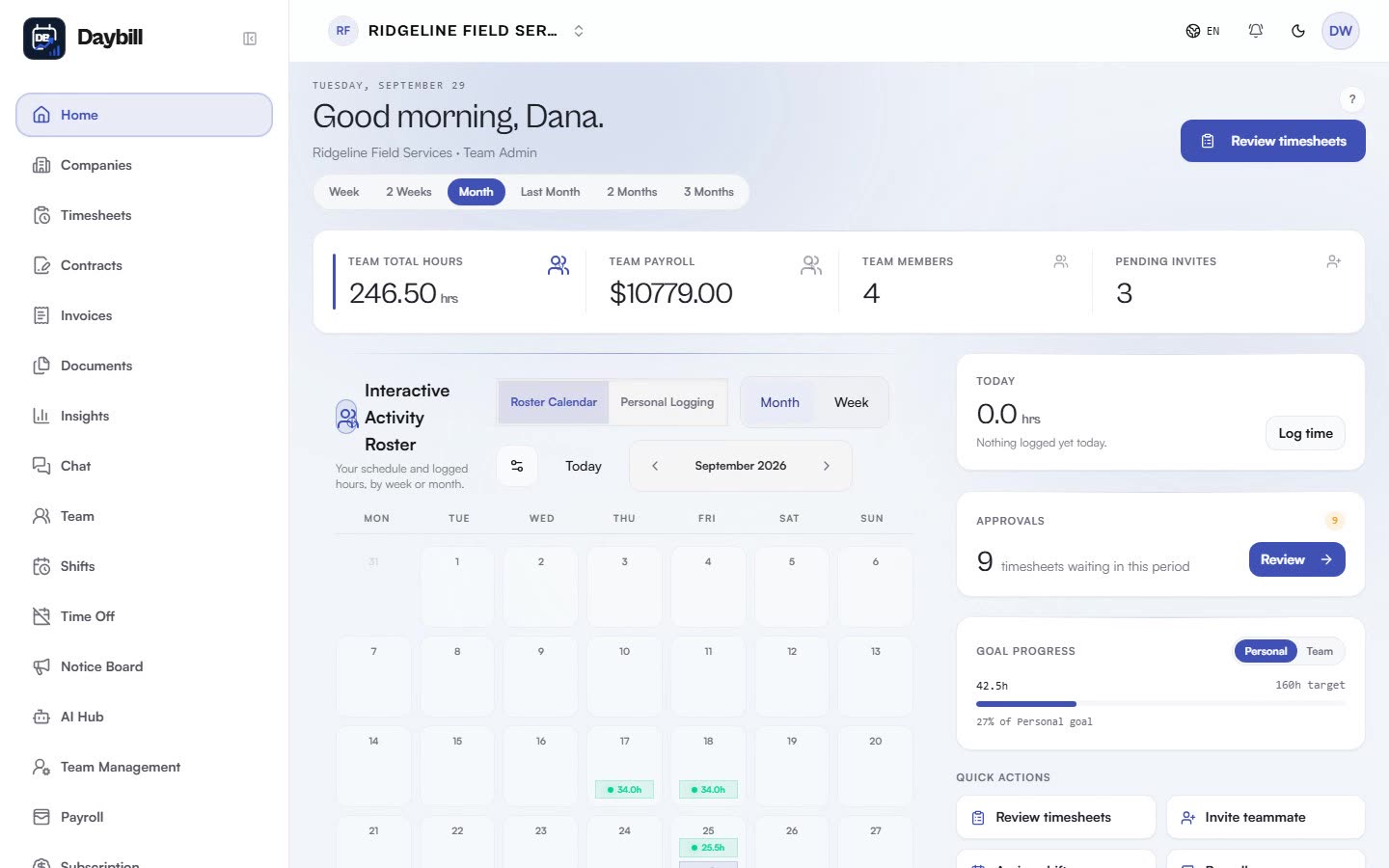
Keep office and field on the same page.

Hours, payroll, companies, and approvals stay together, so everyone can see what needs attention next.

Solo Free and Team Free stay free. No credit card.

One view for every roleSeparate client recordsReady on phone or desktop
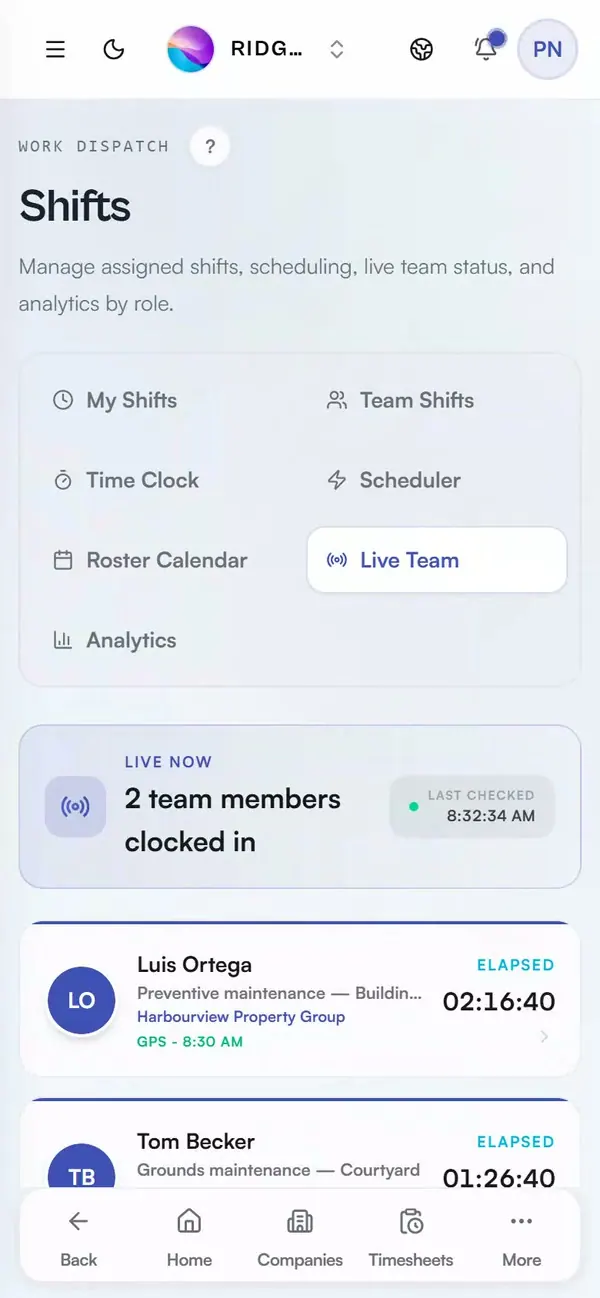
Team dashboard in dark modeTeam dashboard in light mode
Solo operator

From logged hours to a recorded payment, without losing the thread.

Move through the same work record as the person doing the job, reviewing the numbers, invoicing the client, and closing the loop.

Log your hours

Capture time from the field or desk while the work is still fresh.

Solo operator

Check the work at a glance

Review hours, earnings, and recent activity before moving the work forward.

Solo operator

Turn completed work into an invoice

Create the client invoice from the work you already recorded.

Solo operator

Close the loop when payment arrives

Mark the invoice paid so the client record and your view stay current.

Solo operator
Loading video
Solo operatorMobile time entry

From scattered tools to one connected record.

Keep the familiar work, but remove the gaps between scheduling, time, payroll, and client billing.

Before

Six tools. No shared source of truth.

Each handoff creates another place to search, reconcile, or re-enter the same work.

  • Spreadsheets
  • Group chats
  • Paper timesheets
  • Photos in camera roll
  • Invoice template
  • Calculator
  • Context gets lost
  • Versions drift
  • Totals need rework
With Daybill

One record, carried forward.

Each role advances the same work record from time entry through payroll, invoicing, and paid status.

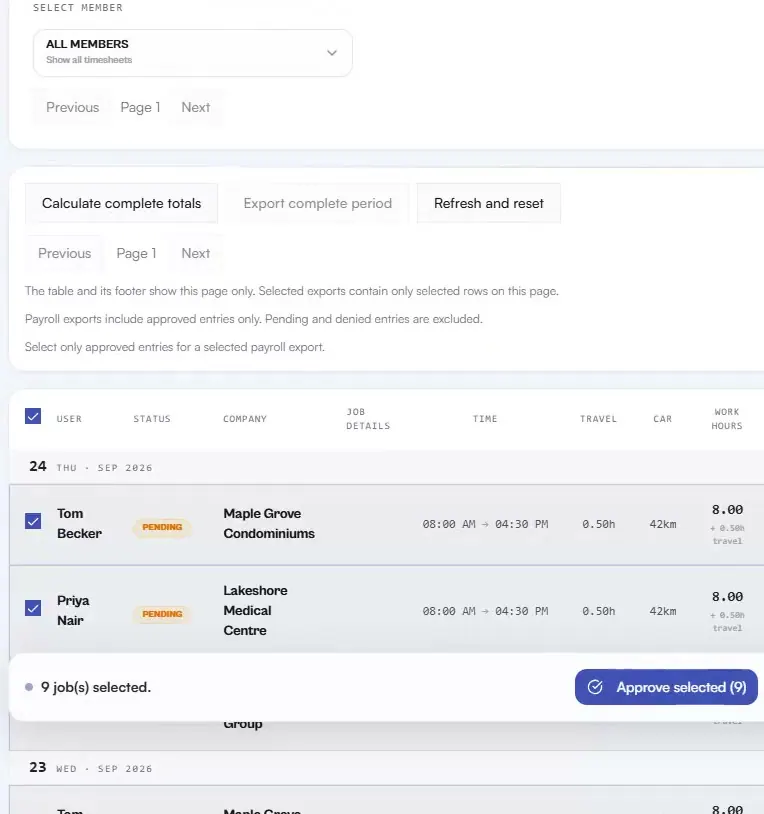
  1. 01Time entry
  2. 02Approval
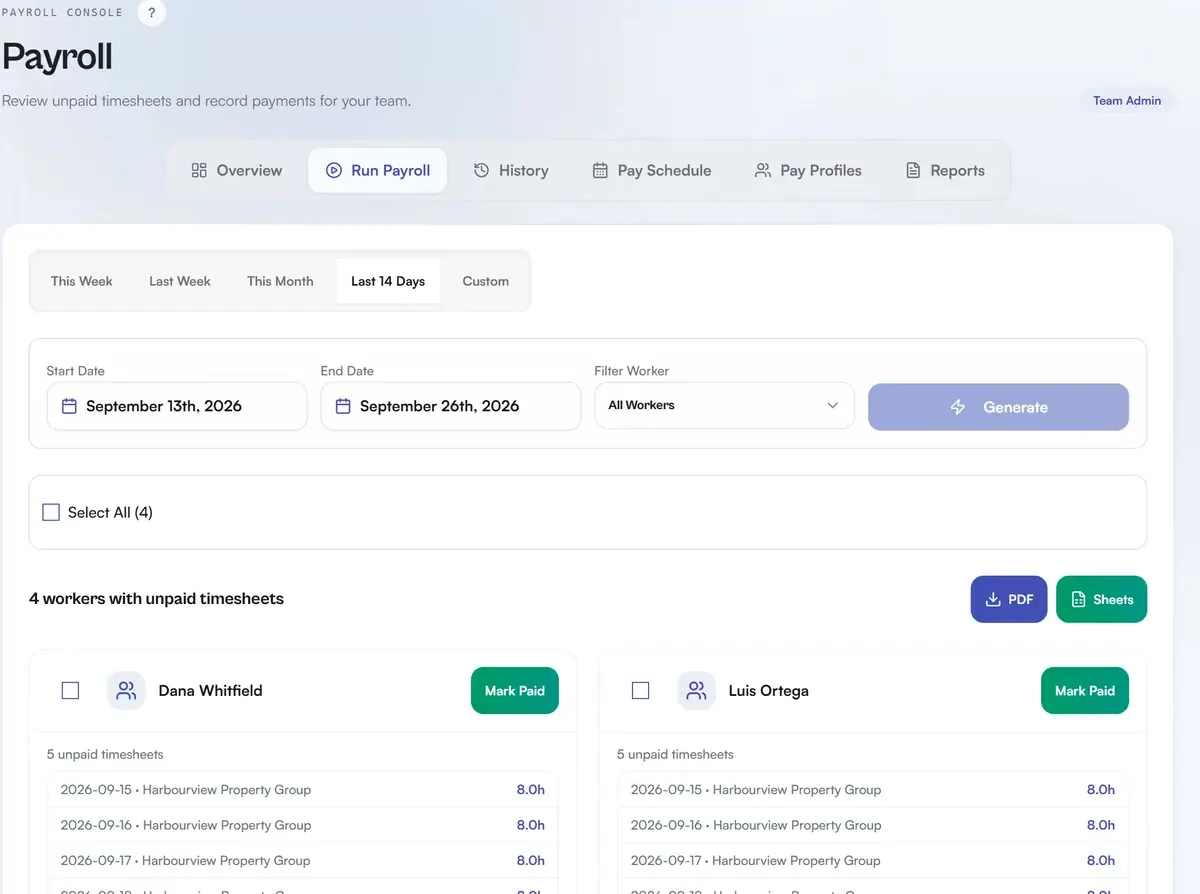
  3. 03APayroll
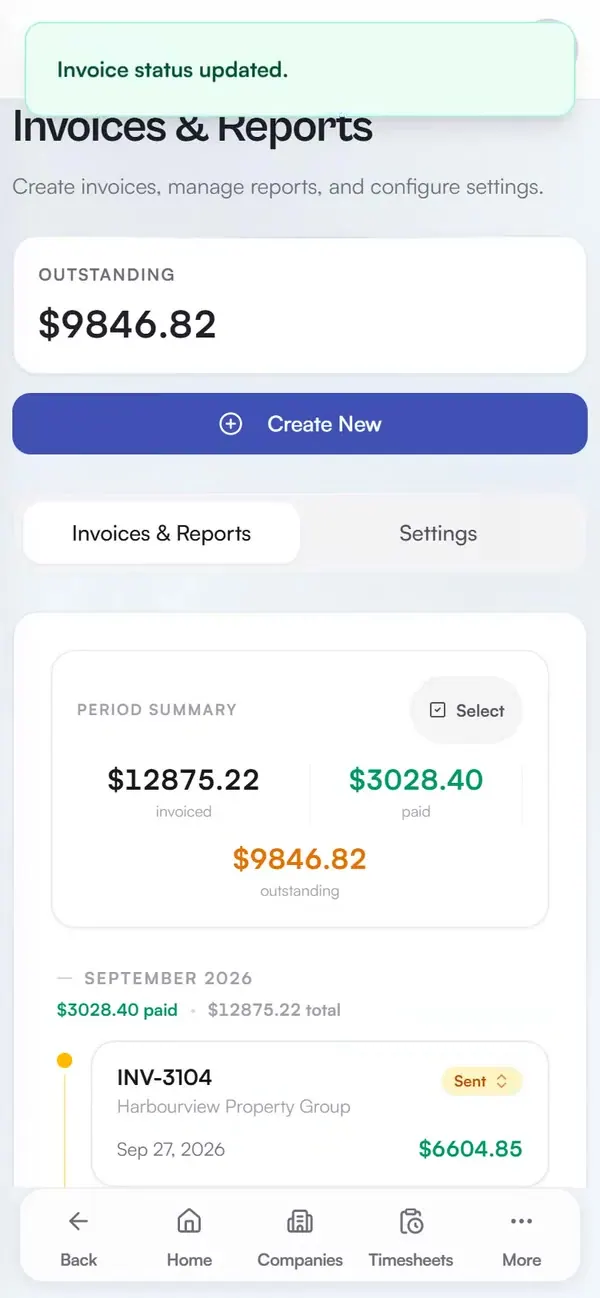
    03BInvoice
  4. 04Paid status
  • Role-aware views
  • Traceable handoffs
  • Ready to pay and bill

Built around the crews doing the work.

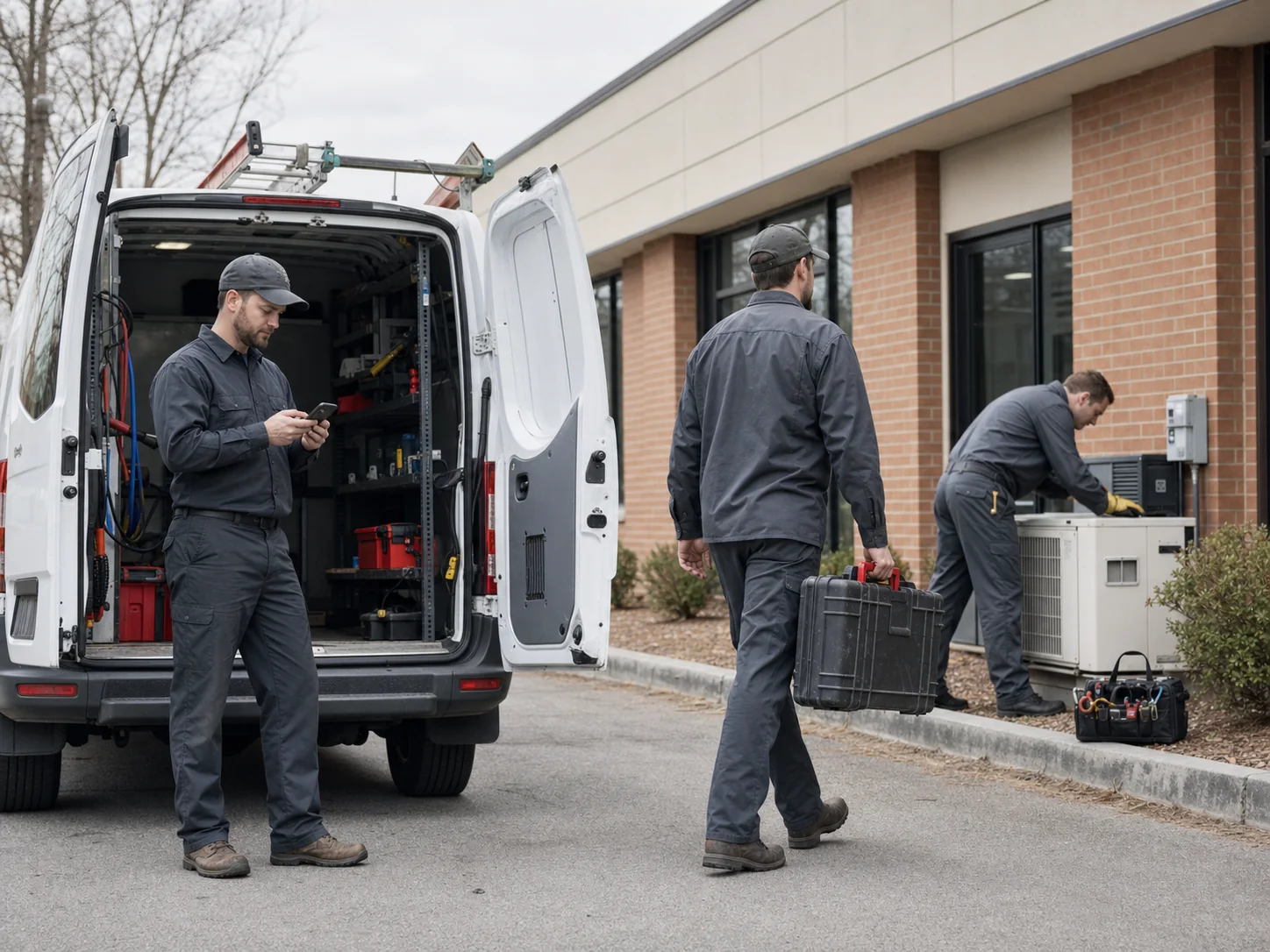
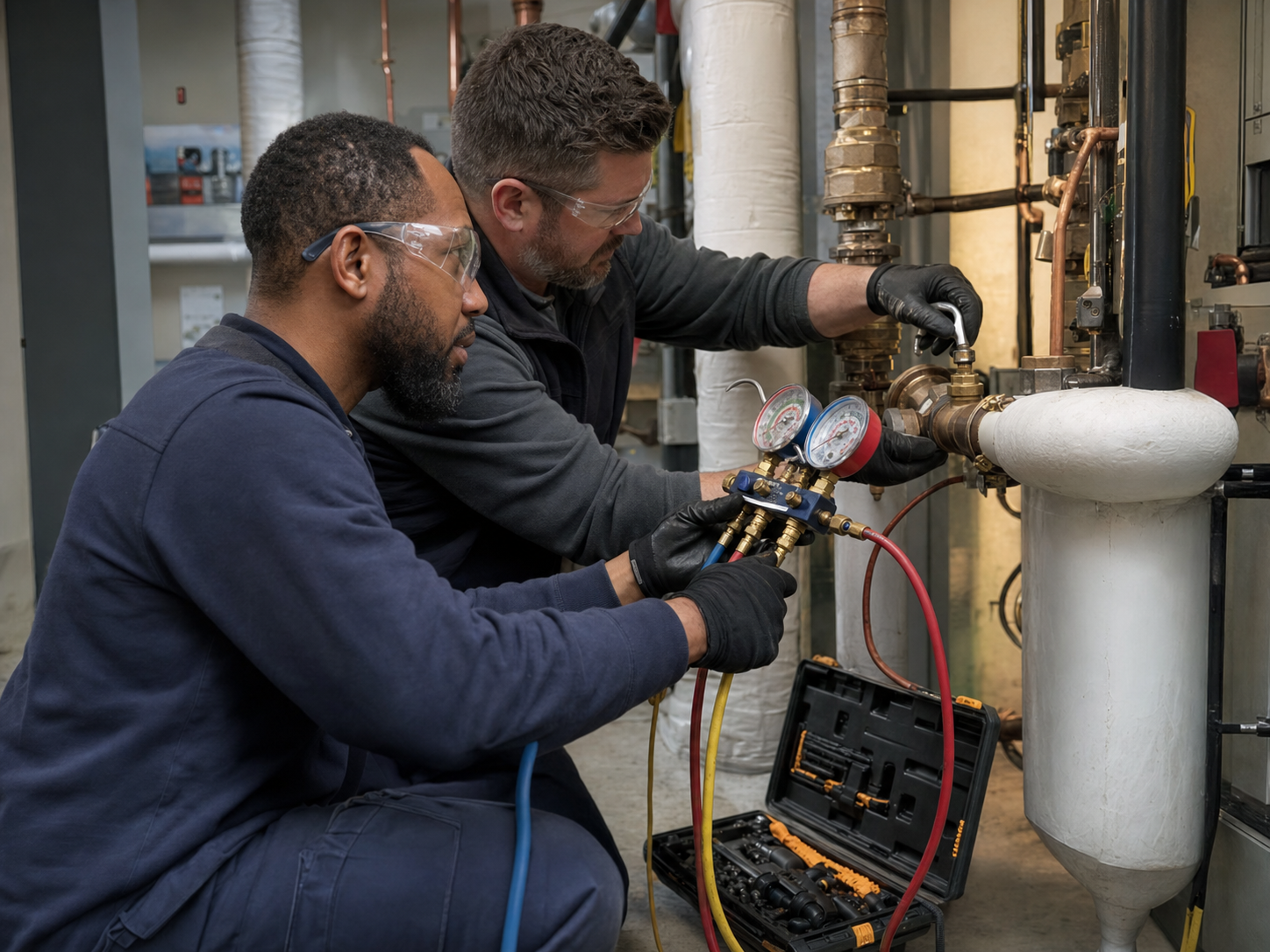
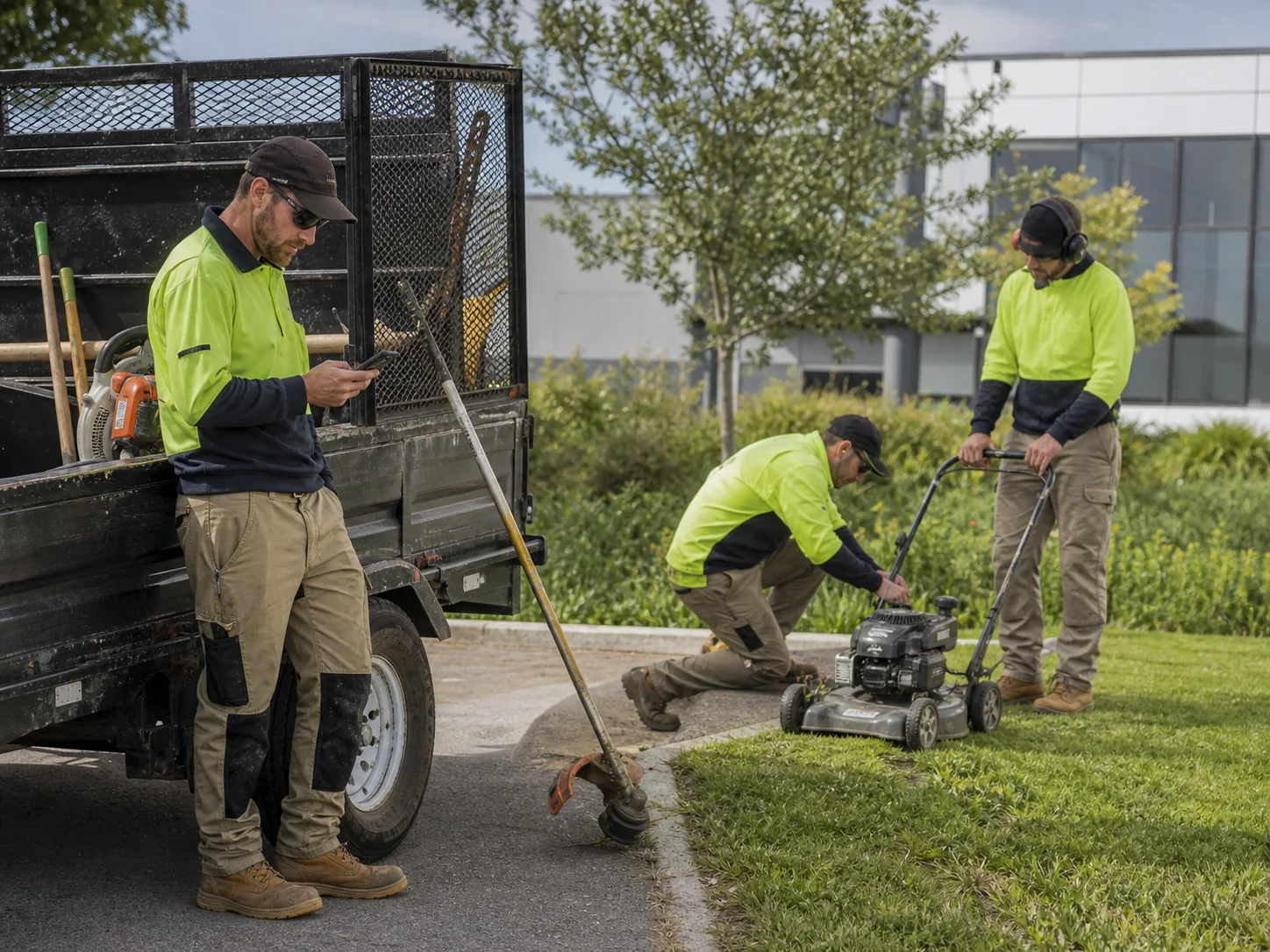
Cleaning, landscaping, maintenance, electrical, and plumbing/HVAC move through different details, but Daybill keeps the operational handoff consistent.
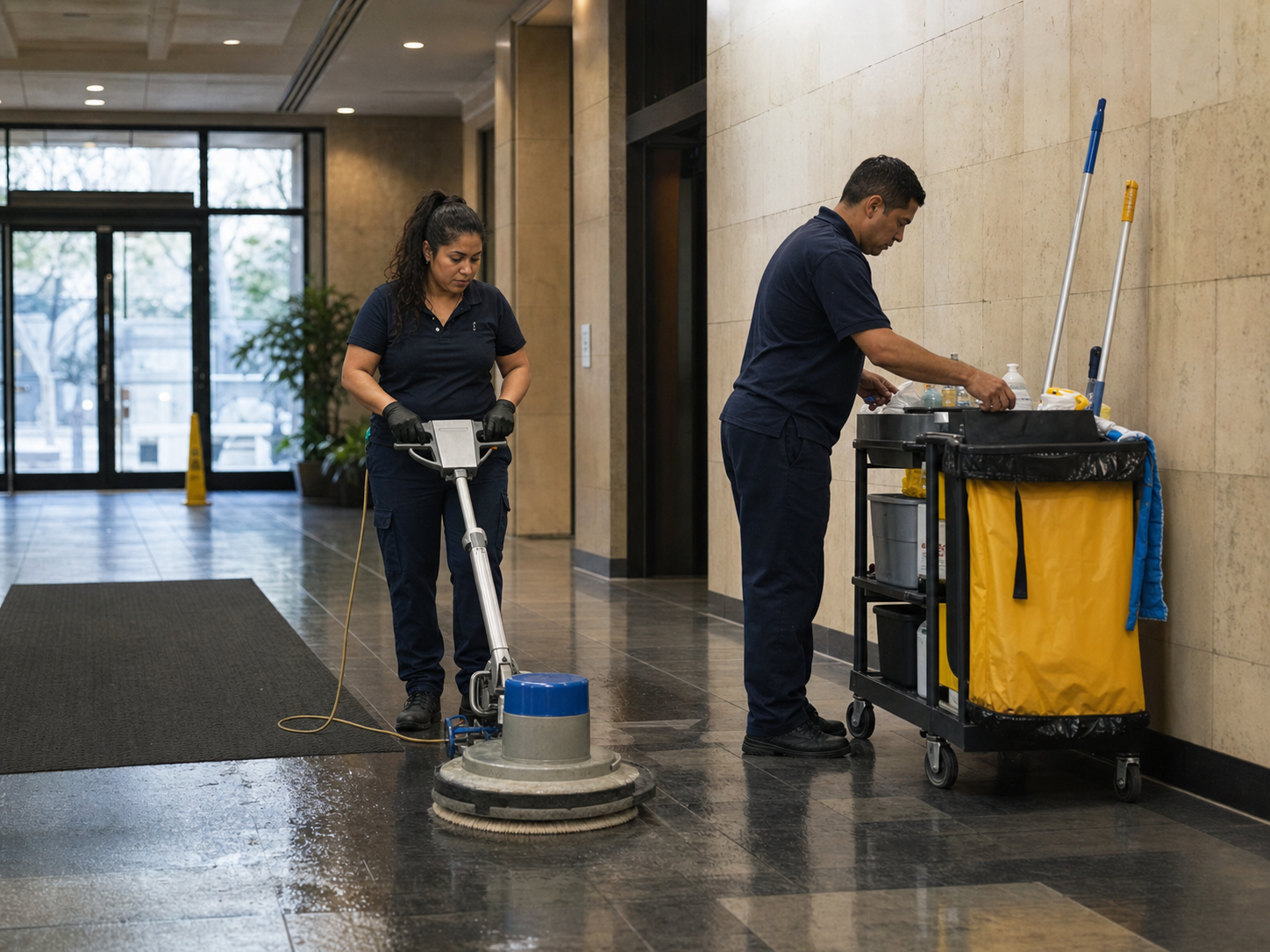
CleaningRecurring teams and client sites stay in one workspace.
Landscaping crewsMove between properties without losing the company, rate, or shift context.
MaintenanceKeep field notes and completed work tied to the same record.
ElectricalApprove completed time before payroll and client billing.
Plumbing & HVACTurn approved hours into client invoices without breaking the work record.
Daybill · Product proof

Watch the workday move.

Every loop below is the real product running on demo data. Recorded, not mocked.

Daybill product proof previewProduct proof

One workspace. Three clear lanes.

Personal earnings, team operations, and company billing stay separate without making field crews learn the back office.

PersonalYour own time and earnings
TeamCrew hours, approvals, and payroll
CompanyClient records and invoices
Field ready

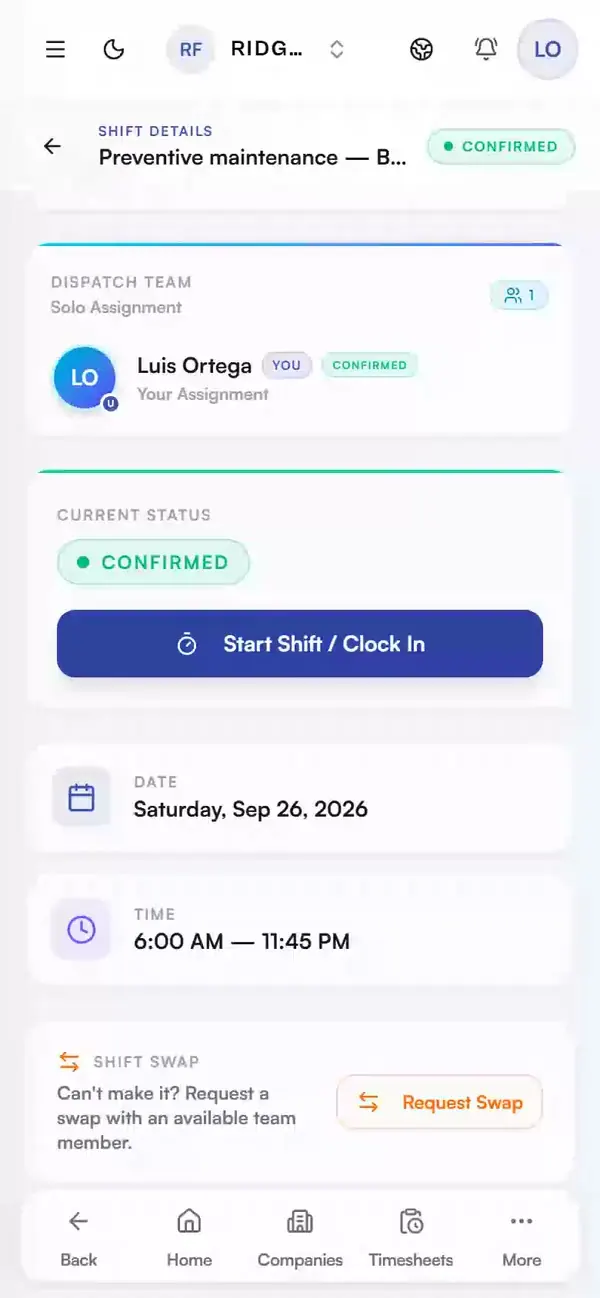
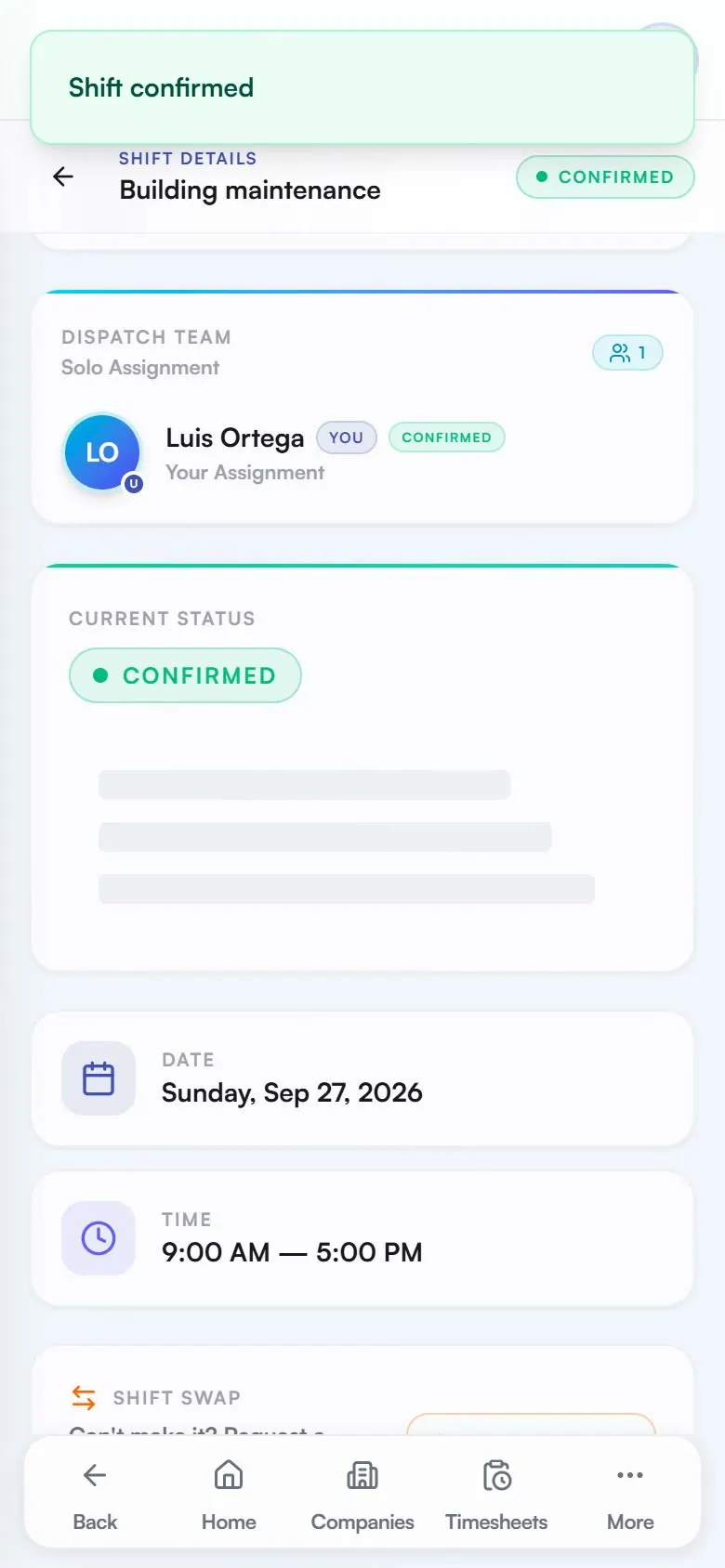
Take Daybill to site.

Log work without waiting for desk time.

Install Daybill to the home screen, track work in the field, and keep hours and company context moving in real time.

  • Home-screen install, no app-store friction
  • Fast logging from phone
  • Same workspace context on mobile
Start free
Loading video

The same approved hours close two loops.

Prepare payroll for the crew, then draft client invoices from the same operational record.

Payroll ready

Approved hours become a payroll-ready total.

Rates stay scoped to the people who are allowed to see them.

Approved hours → ready
Invoice ready

Approved hours become a client invoice draft.

Company and client context carry forward without re-entering the work.

Approved hours → ready
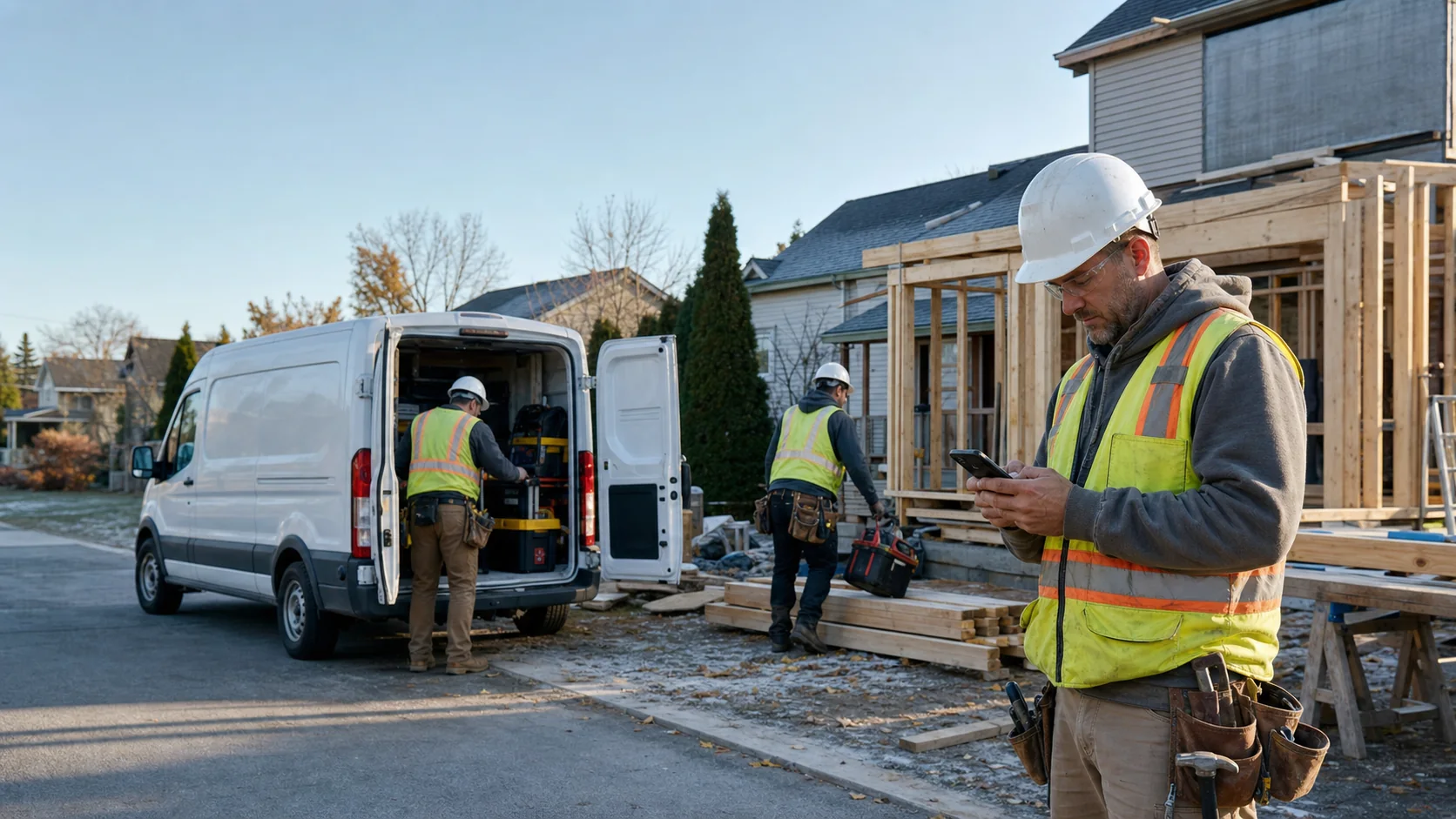
Field operators reviewing completed work together from their service vehicle

Record hours once. Carry them through payroll and invoicing.

Start with the work already happening in the field.

No credit card. Free plan stays free.