Shifts that reach the crew.
Build the shift once: job, site, time window, assignment. Dispatch it, get confirmations back, and see the whole month on one roster.
No credit card. Free plan stays free.

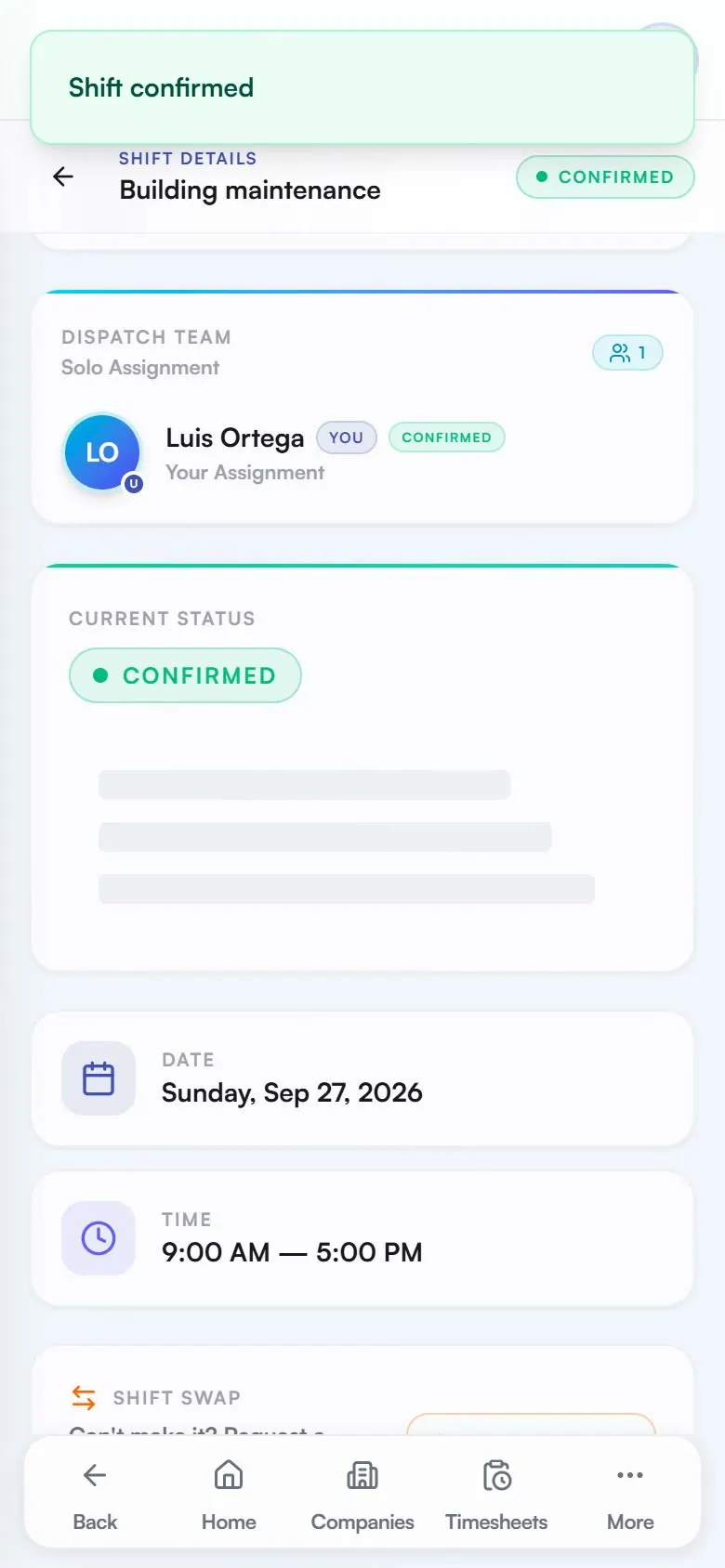
Real app, demo data
Dispatch straight to their phone
Publish a shift and the assigned member gets it on their phone with a push notification, ready to confirm.
Recorded site briefing
Open the shift to review its recorded job, client, schedule and location. Expand preparation details for recorded instructions and a read-only checklist, when present.
One roster, no surprises
Shifts and logged hours share the month-at-a-glance roster calendar, so conflicts show up before you publish.
Start Shift from the field
Workers start the clock from the shift card itself; Expert plans add GPS geofencing around the job site.
How it works in practice: one card from draft to confirmed
Scheduling in Daybill is a single object moving through a few states. Here is that object's life:
Build: A manager creates one shift card with the job, site, time window, and assigned member. There are no separate forms for who, where, and when.
Check: Before publishing, the manager reviews the month roster calendar, where shifts and logged hours appear together. The calendar exposes conflicts such as the same person being booked twice.
Publish: Dispatching the shift sends a push notification to the assigned worker's phone. The card shows the job and a Navigate button for the site map.
Prepare and start: Anyone with access to the shift can open Site briefing before work begins. The recorded instructions and task preview do not complete tasks or confirm the shift. The assigned worker still uses the existing confirmation and Start Shift controls.
Every shift follows this same path. On Expert, the field adds GPS geofenced clock-in that checks the phone is inside the job-site radius before hours begin.
What operators ask before they switch.
How does the crew get their shifts?
Publishing a shift sends it straight to the assigned member with a push notification. They see the job, site, and time window on their phone and confirm from the shift card.
Do workers see where the job is?
Every shift carries its job site with a map and a Navigate button, so nobody calls in for an address on the way out.
What stops me from double-booking someone?
The scheduler works against the same roster calendar as logged hours, so assignments and conflicts are visible in one month-at-a-glance view before you publish.
Is there GPS clock-in?
GPS geofenced clock-in is part of the Expert plan: workers can only start the shift clock within the radius of the job site.
Run your next week on Daybill.
Shift scheduling and dispatch are available on Team Free (up to 10 counted seats and 5 clients), Daybill Team (CAD $39/mo flat, 20 users, then $1.50/user/mo) and Expert (CAD $99/mo flat, 30 users, then $3.00/user/mo). Not on Solo ($0) or Solo Pro ($14.99). Geofenced clock-in, shift checklists and weekly repeats require eligible Expert access.
See how these features connect across the field crew management platform .